Towertail docs
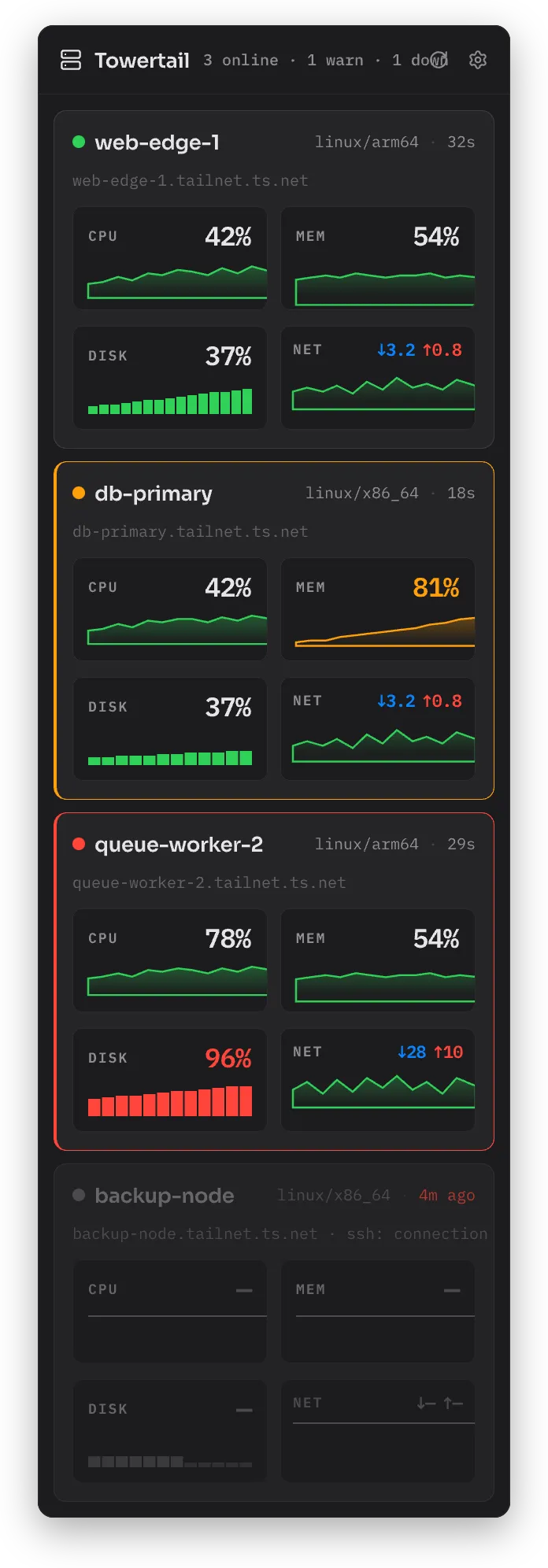
Towertail is a macOS menu-bar app. It shows live CPU, memory, disk and network values for each of your servers. It connects to the servers over SSH. Tailscale is optional.
You do not install an agent on your servers. Towertail copies a small sampler binary to each server over SSH. At each poll, Towertail runs the sampler and reads one JSON sample. The sampler does not stay in memory and does not open a port.
Requirements
Section titled “Requirements”- macOS 14 Sonoma or later.
- Servers that run Linux or macOS on x86_64 or arm64.
- SSH access to each server with a normal user account. You do not need root.
InstallInstall Towertail with Homebrew or a zip file.
Add hostsAdd a server and do the first connection.
TailscaleImport the servers on your tailnet.
ThresholdsSet the warn and critical levels and the notifications.
Sampler
Section titled “Sampler”How the sampler worksWhat Towertail puts on your servers, and what it does.
Install the sampler as a serviceSend samples to a Towertail server with systemd or launchd.
Self-host
Section titled “Self-host”Quick startStart the Towertail server with Docker Compose.
TokensMake tokens for the Mac app and for samplers.
ConfigurationAll TT_* server settings.